


Thrive Continuous Improvement
Kanban Board Tool
Projects Fall Through the Cracks When No One Knows the Status
Whether it’s a CI event, safety improvement, or cross-team project—too often:
There’s no central view of what’s in progress
Priorities change but nobody knows
Work gets duplicated or dropped
Leaders can’t see if anything’s moving forward
Updates get buried in emails or standup notes
Thrive’s Kanban Board brings clarity, ownership, and real-time status to every initiative—without the chaos.
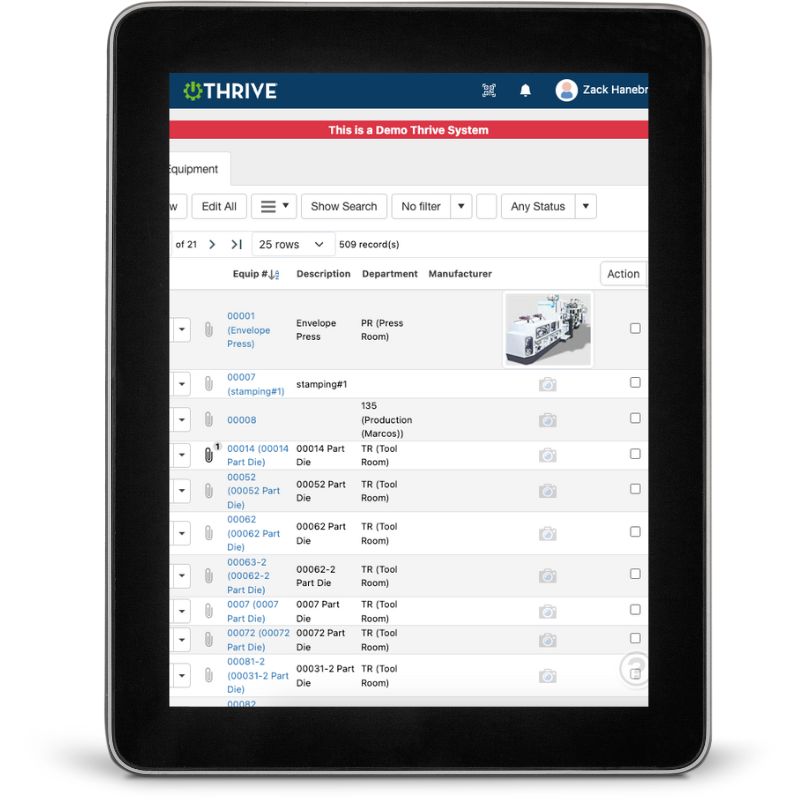
Thrive Kanban Board Tool
Instant Visual Status – See what’s to do, in progress, and done
Team Clarity – Everyone knows what’s moving and what’s stuck
Prioritized Projects – Focus on what drives impact
Drag-and-Drop Simplicity – No spreadsheets or whiteboards needed
Mobile Access – Check and update from anywhere
Ownership + Accountability – Assign cards to team members
Filter by Area or Initiative – View by department, shift, or project type
It’s simple enough to use daily, but powerful enough to run your most critical projects.
Get Demo of Thrive
What’s Included in Kanban Boards
Visual Board View
See every task or project by status: To Do, In Progress, Done
Card Details
Add notes, tags, due dates, and owners to each card
Ownership & Assignments
Know who’s responsible for what and by when
Mobile-Friendly
Update or check cards from the shop floor or your phone
Custom Filters
View by project type, department, team, or due date
Drag-and-Drop Interface
Move tasks across stages in one click
Progress Visibility
Leaders can see where the bottlenecks are in real time
Get the Big Picture—and the Details

With Thrive’s Kanban Tool:
Teams stay aligned
Priorities stay visible
Projects actually get finished
Thrive vs Disconnected Project Tools or Spreadsheets
| Feature | Thrive | Manual / Disconnected Tools |
|---|---|---|
| Project visibility | ✅ Live board by status | ❌ Emails or outdated sheets |
| Team clarity | ✅ Shared, real-time view | ❌ “I thought that was done” |
| Ownership | ✅ Cards assigned by name | ❌ Who’s doing what? |
| Prioritization | ✅ Drag and reorder easily | ❌ Buried in lists |
| Mobile access | ✅ From phone or tablet | ❌ Desktop-only or not at all |
| Updates | ✅ Live and tracked | ❌ Delayed or missed |
Frequently Asked Questions
Can I use this for CI projects, safety, or maintenance?
Yes—Kanban boards are flexible and work for any team-based workflow.
Do team members get notified when something changes?
Yes—users can be tagged or assigned for accountability.
Can we use this on a big screen in a team room?
Absolutely. Thrive Kanban Boards are perfect for visual management walls.
How easy is it to use?
If your team can drag a sticky note, they can run a Kanban board.
Companies big and small we partner with





Get Demo of Thrive
"Our IT loved working with Thrive!"
"- Beth Wilkerson, Compliance Manager, Specialty Manufacturing

"We have the real-time data for effective daily problem-solving"
- Pete Barboni, Intek Plastics
From Manual Chaos to Connected Excellence — How ASSA ABLOY Scaled Lean Manufacturing with Thrive
"We went from sticky notes and walking back and forth… to seeing everything on one screen." — Sergio, Engineering & CI Lead
Norton Modernization
"Easy integration with our systems" - Antonio Ancrum



LEAN TECHNOLOGIES
427 Main Street
Pella, IA 50219
866-LEAN-TEC (866 532-6832)
For Technical Support: [email protected]
ABOUT US | CONTACT US | VIDEOS | THRIVE RESOURCES | FAQ | CAREERS | BLOG | PRIVACY POLICY | TERMS OF USE
© Copyright 2026. Thrive by Lean Technologies. All rights reserved.

