


THRIVE PREVENTATIVE MAINTENANCE
Stop Chasing Down Maintenance.
Start Preventing Downtime.
PM Shouldn’t Be Painful
Setting up a planned maintenance program can feel like a full-time job. Most tools make it worse:
You need IT to edit a schedule
Everything’s tied to a desktop
PMs are out of sync with what’s happening on the floor
So maintenance teams go back to reactive. And downtime stays high.
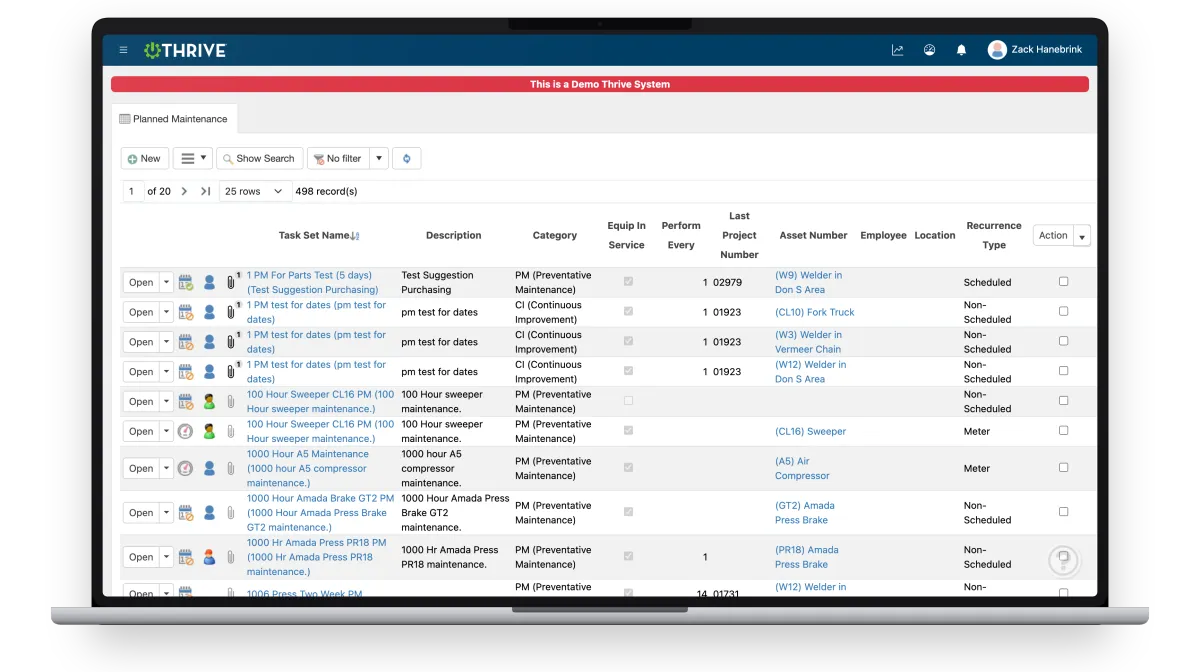
Thrive makes it easy to build, run, and adapt your PM plan—right from the equipment.
Proven Results
Real manufacturers. Real numbers.


What’s Included in Planned Maintenance
Mobile PMs
Complete work at the asset—no paper or desktops required
Flexible Scheduling
Edit frequencies or tasks without calling IT
Equipment History
View previous PMs, downtime, and issues
Parts Visibility
Know what’s needed before starting the job
Completion Tracking
See % of equipment covered and jobs done on time
Live Reports
Track overdue PMs and plan ahead with data, not guesswork
Not Sure If the ROI Is There? Read This First.
If you're still weighing whether a PM overhaul is worth the effort, this is the most useful thing you can read.
ASSA ABLOY came in with the same challenges most maintenance teams face — reactive fire-fighting, manual tracking, and no real visibility into what was overdue. Within two weeks of going live with Thrive, past-due work orders dropped 66% and admin time went from 6 hours to 5 minutes.
Real plant. Real numbers. No fluff.
Built for Busy Teams

Your team doesn’t have time to fight the system just to get work done. That’s why Thrive keeps workflows fast and simple:
Your team completes PMs at the machine
Adjustments happen in the moment—not a week later
Everyone sees what’s due and what’s done
You track performance with zero manual effort
When your tools work in the field, your PM plan sticks.
Maintenance Is Just the Beginning
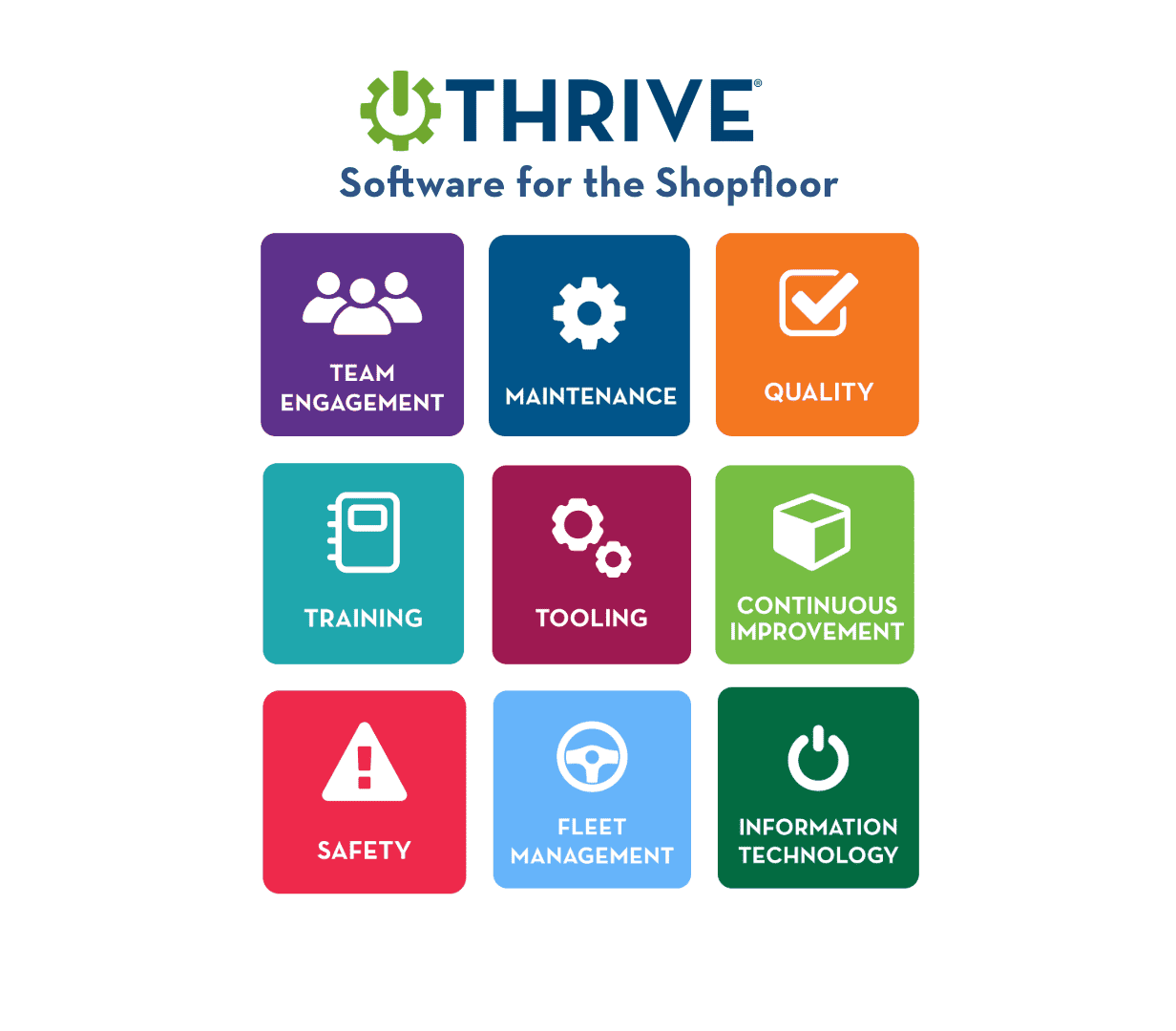
Most CMMS tools stop at work orders. Thrive connects maintenance to the rest of your shop floor — so when a machine goes down, your safety team logs the incident, your CI team opens an improvement event, and your quality team tracks any affected output. All in the same platform.
One system. Every operational function. No more jumping between tools.
Thrive Pricing
We think pricing should be simple, straightforward and right out in the open. If you have questions, just ask us.
Thrive Module Hosted
$600
monthly
Cloud Hosted
ONE Module
Unlimited Users
All updates/version upgrades
All Thrive features/tools included
On-site/virtual training – OPTIONAL (quote)
Data transfer/conversion – OPTIONAL (quote)
ERP integration – OPTIONAL (quote)
Annual Support Contract included in Thrive Hosted price
Thrive Connected Hosted
$1,200
monthly
save 5% with annual billing
Cloud Hosted
ALL Modules Included
Unlimited Users
All updates/version upgrades
All Thrive features/tools included
On-site/virtual training – OPTIONAL (quote)
Data transfer/conversion – OPTIONAL (quote)
ERP integration – OPTIONAL (quote)
Annual Support Contract included in Thrive Hosted price
Get Demo of Thrive
Thrive vs Traditional PM Tools
If your current process relies on spreadsheets, binders, or a legacy CMMS — here's what changes with Thrive.
Thrive vs Traditional PM Tools
| Feature | Thrive | Traditional PM Tools |
|---|---|---|
| Access | ✅ Mobile at the equipment | ❌ Desktop or paper only |
| Flexibility | ✅ Easy to update schedules/tasks | ❌ Requires IT or support |
| Reporting | ✅ Live % complete and overdue | ❌ No visibility or outdated exports |
| Compliance tracking | ✅ Logged by user, timestamped | ❌ No proof of completion |
| Execution | ✅ All info at point of use | ❌ Scattered systems or binders |
Frequently Asked Questions
Is Thrive good for teams just starting a PM program?
Yes. Start simple and build over time. Thrive makes it easy to add and adjust.
Can we track how well we’re doing with PMs?
Absolutely. You’ll see real-time % of completed PMs by asset and time period.
Do techs need to go back to a computer to finish work?
Nope. They can complete tasks, log labor, and add notes from a phone or tablet
Can I tie PMs to asset history and downtime?
Yes. Everything stays linked, searchable, and reportable—no digging.
We just renewed our CMMS contract. Is it worth looking at Thrive now?
It's worth a conversation. Most teams that come to us mid-contract do it because their CMMS handles work orders but doesn't connect to the rest of the operation — safety, quality, CI, and training are still on spreadsheets or separate tools. Knowing what Thrive does now means you're ready to make a stronger case at renewal time. We're not going anywhere, and neither is the problem.
Our technicians resist new software. How do we get them to actually use it?
Thrive is built mobile-first and designed to be faster than whatever your team is doing today, not more complicated. Most techs are completing PMs and logging work orders within their first shift. We also help you set it up in a way that fits your existing workflow instead of replacing it. Adoption tends to follow quickly when the tool makes their job easier, not harder.
We don't have the bandwidth to implement something new right now.
Most of our customers say the same thing before they start — and then tell us implementation was easier than they expected. You don't need a big IT project or a dedicated team. Thrive is configured around your equipment and processes, and most plants are up and running in a matter of weeks, not months. The question worth asking is: how much time is your team losing right now to reactive maintenance, manual tracking, and status chasing? That's the cost of waiting.
Companies BIG and Small We Partner With:



















Get Demo of Thrive
"Our IT loved working with Thrive!"
"- Beth Wilkerson, Compliance Manager, Specialty Manufacturing

"We have the real-time data for effective daily problem-solving"
- Pete Barboni, Intek Plastics
From Manual Chaos to Connected Excellence — How ASSA ABLOY Scaled Lean Manufacturing with Thrive
"We went from sticky notes and walking back and forth… to seeing everything on one screen." — Serge, Engineering & CI Lead
Norton Modernization
"Easy integration with our systems" - Antonio Ancrum



LEAN TECHNOLOGIES
427 Main Street
Pella, IA 50219
866-LEAN-TEC (866 532-6832)
For Technical Support: [email protected]
ABOUT US | CONTACT US | VIDEOS | THRIVE RESOURCES | FAQ | CAREERS | BLOG | PRIVACY POLICY | TERMS OF USE
© Copyright 2026. Thrive by Lean Technologies. All rights reserved.

