
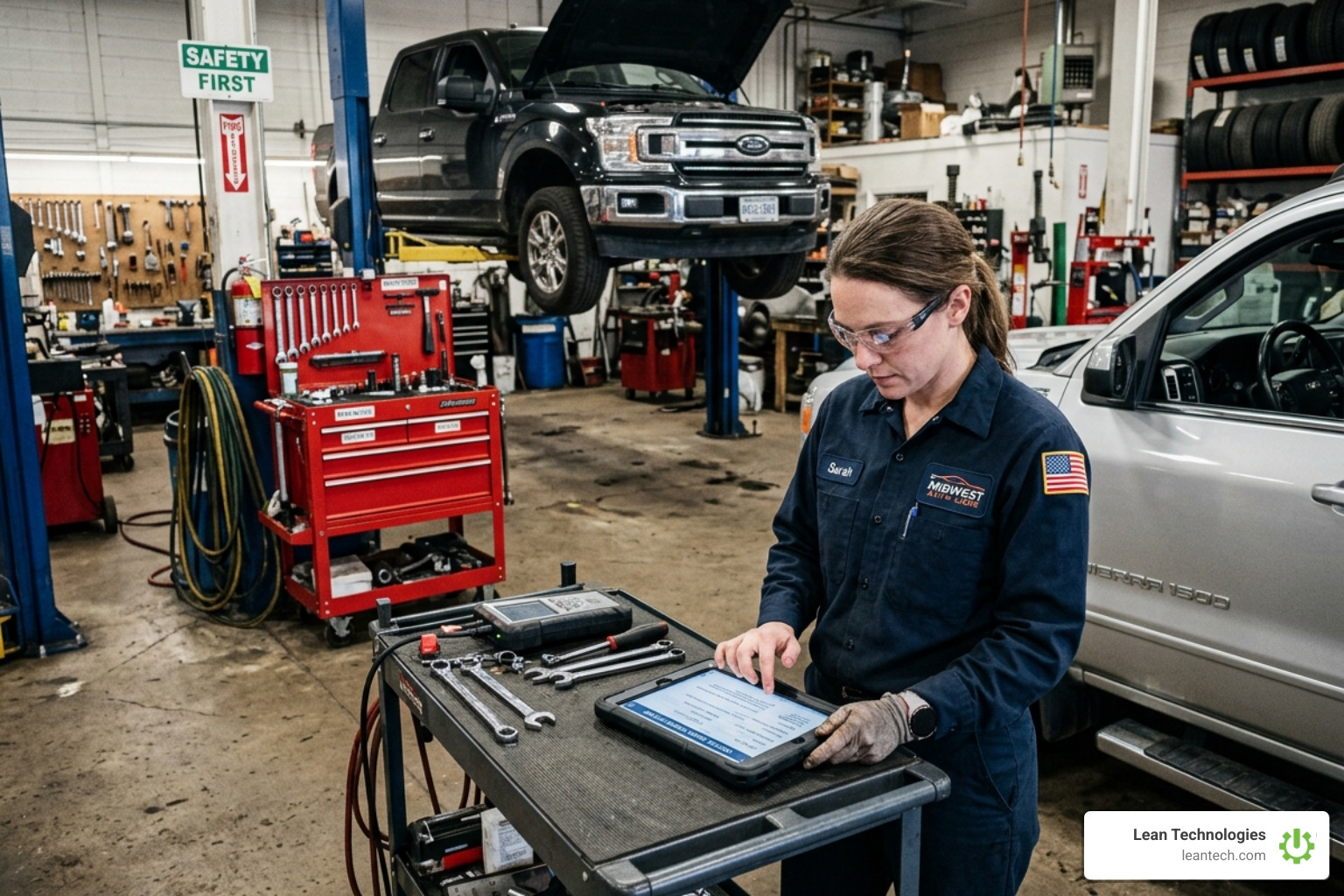
How to Turn Maintenance Chaos into a Digital Work Order Masterpiece
Why Maintenance Chaos Is Costing Your Shop Floor More Than You Think
Equipment goes down mid-shift. Your tech gets a text, a call, or a tap on the shoulder. The request is scribbled on a notepad, maybe entered into a spreadsheet later—if they remember. By the time it’s documented, you’ve lost two hours of production. This is the cost of maintenance chaos. A digital work order system stops the bleeding by replacing paper trails with a single, real-time workflow. According to IndustryWeek, unplanned downtime is one of the biggest drains on manufacturing profitability.
Here's what a digital work order system does at a glance:
What It Does Why It Matters Centralizes all work requests in one place No more lost sticky notes or missed requests Assigns tasks with priority and due dates Clear ownership, faster response Tracks work order status in real time Managers see what's done, what's stuck Logs asset history and maintenance records Better decisions, audit-ready data Triggers preventive maintenance automatically Less reactive firefighting, more uptime Works on mobile for field technicians Updates happen at the source, not hours later
For most small to midsize manufacturers, maintenance management still runs on a mix of paper logs and tribal knowledge. The result? Work requests fall through the cracks. Technicians waste time chasing down details instead of fixing problems. Operations managers have zero real-time visibility into what's actually happening on the floor.
The cost of that chaos is real. In high-output industries like automotive manufacturing, unplanned downtime can run as high as $50,000 per minute. Every hour of avoidable downtime chips away at your margins and your team's morale. Switching to a digital system doesn't require ripping out your ERP. It requires the right process, the right tools, and a team that actually uses them.
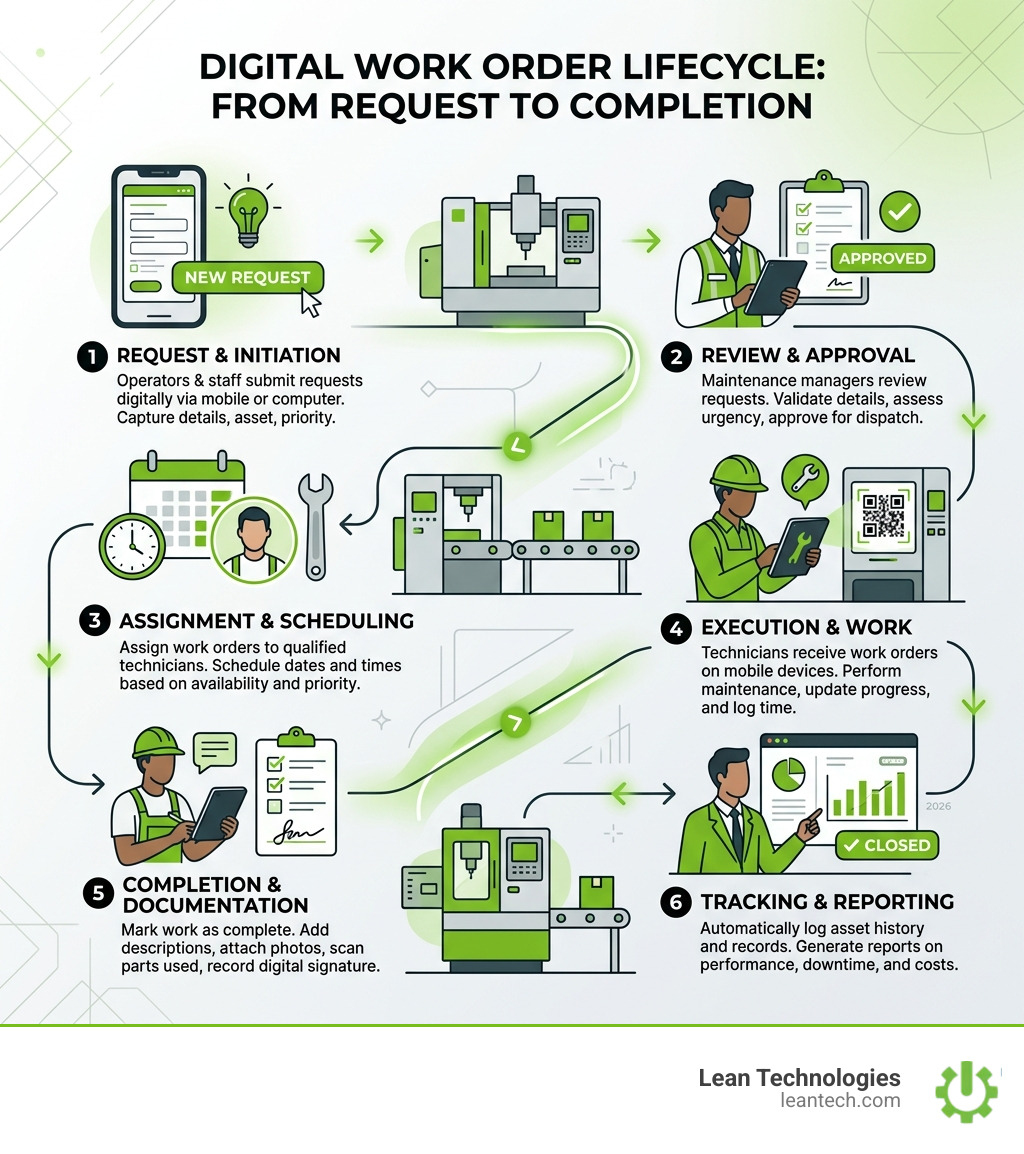
What is a Digital Work Order System and Why Your Shop Floor Needs One
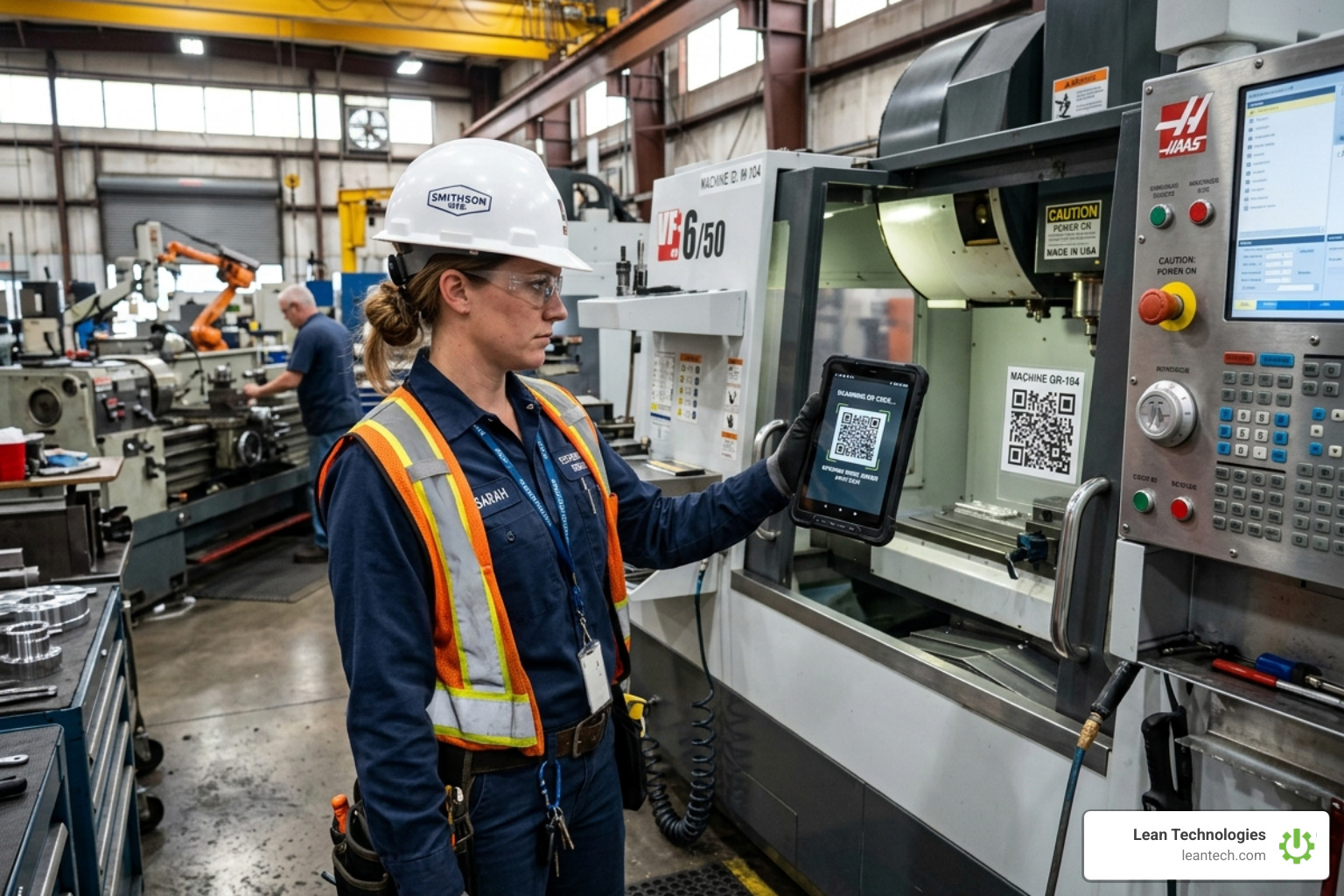
A digital work order system is the engine of your maintenance department. It moves the "brain" of your operations from a single person’s memory or a dusty filing cabinet into a centralized, accessible platform. When an operator notices a strange vibration on a CNC machine, they don't hunt down a supervisor; they log it immediately on a tablet.
This system provides a single source of truth for Work Order History. Instead of guessing when a motor was last replaced, any authorized user can pull up the record instantly. It also enables robust Equipment Asset Tracking, allowing you to group assets by location, type, or age. This visibility ensures that maintenance isn't just a "black box" expense, but a strategic part of production.
Moving Beyond Paper and Spreadsheets
Manual logs and spreadsheets are where data goes to die. They create silos where the office has no idea what the floor is doing until the end of the week—if the data is entered at all. Paper gets lost, grease-stained, or misread.
A digital system closes the accountability gap. When a task is assigned, there’s a timestamp and a name attached to it. Communication gaps vanish because technicians can see exactly what parts are needed and what the previous shift already tried. Transitioning your Maintenance strategy to digital means you stop managing by "hallway talks" and start managing by data.
The Shift from Reactive to Proactive Maintenance
Most shops are stuck in a "firefighting" loop: something breaks, everyone panics, and production stops. Moving to a digital system can reduce reactive work by up to 90%. By using a CMMS, you can schedule Planned Maintenance based on time or usage triggers.
One facility reported that by digitizing their process, they increased uptime from 80% to nearly 97%. When you aren't constantly reacting to emergencies, your team has the headspace to actually improve the process rather than just keeping the lights on.
How to Implement a Digital Work Order System for Maximum Efficiency
Implementation isn't just about the software; it's about the people. If your technicians feel the tool is a "burden," they won't use it. You need a mobile-first design that works as fast as they do. The goal is to get requests into the Work Request Queue in seconds, not minutes.
Standardizing Workflows with Templates
To get good data out, you have to put good data in. Standardized templates ensure every work order contains the essentials: safety lock-out procedures, required tools, and specific SOPs.
By using mandatory fields and photo attachments, you ensure nothing is left to interpretation. If a technician finds a broken seal, they snap a photo and attach it to the order. This ties directly into Thrive Quality standards, ensuring that maintenance work meets your shop’s rigorous internal requirements every single time.
Leveraging Automation and Real-Time Alerts
Automation is the "secret sauce" of a modern digital work order system. You can set up push notifications so that the right person is alerted the moment a high-priority request is submitted.
With Thrive CI tools, you can even set up trigger-based orders. For example, if an inspection form is submitted with a "fail" on a safety check, the system can automatically generate a corrective work order and assign it to the safety lead. This ensures that critical issues never sit in an inbox—they move straight to the shop floor for resolution.
Bridging the Gap: Integrating Work Orders with ERP and Inventory
A work order without parts is just a wish list. To be truly efficient, your maintenance system needs to know what’s sitting on your shelves. Integration allows for seamless data synchronization between the office and the floor, reducing the administrative overhead that plagues most Project Management efforts.
Eliminating Data Silos Between Office and Floor
When the maintenance team lives in a separate world from the accounting and procurement teams, problems arise. Parts get ordered twice, or worse, not at all. A digital lean approach—as outlined in our Guide to Digital Lean Manufacturing—focuses on connecting these dots.
By integrating your work orders with broader business systems, you ensure that labor hours and parts costs are tracked accurately. This improves Safety by ensuring the right tools are always available and reduces the "paperwork shuffle" between departments.
Optimizing Parts Inventory and Procurement
Inventory is a balancing act. Too much stock ties up cash; too little causes downtime. Digital systems provide low-stock alerts and can even predict part needs based on upcoming PM schedules.
By linking your Equipment Asset Tracking to your parts usage, you can identify which machines are "part-hogs" and make better decisions about when to repair versus when to replace.
Ensuring Compliance and Audit Readiness with Digital Records
If an auditor walks into your plant today, could you produce the last three years of maintenance records for a specific machine in five minutes? If the answer is "I'd have to check the basement," you have a compliance risk.
Digital systems provide immutable audit trails with e-signatures and timestamps. This is critical for Safety compliance and internal quality audits. Your Work Order History becomes a searchable, exportable asset rather than a liability.
Maintaining a Transparent Maintenance History
A digital CMMS allows you to track the entire asset lifecycle from installation to decommissioning. This historical data is gold for root cause analysis. If a machine breaks down every three months, the data will show you the pattern, allowing you to fix the underlying issue rather than just the symptom.
Standardizing Safety and Quality Inspections
Safety isn't just about wearing goggles; it's about ensuring equipment is safe to operate. By digitizing your inspections within Thrive Quality, you enforce compliance. Technicians can be required to check off safety steps before they can even close a work order. This proactive risk mitigation saves lives and protects your business from regulatory fines.
Frequently Asked Questions about Digital Work Order Systems
What is the difference between basic software and a CMMS?
Basic work order software is usually just a digital "to-do" list. A CMMS is a more robust tool that manages the entire asset lifecycle, including inventory management, detailed reporting, and preventive maintenance scheduling. If you manage more than a handful of machines, you likely need the power of a CMMS.
How does a digital work order system reduce downtime?
It attacks downtime in two ways. First, it enables Planned Maintenance so you can fix things before they break. Second, it reduces the Mean Time to Repair (MTTR) by getting information to technicians faster and ensuring they have the right parts and instructions the moment they arrive at the machine.
Can small businesses use a digital work order system?
Absolutely. Modern SaaS pricing models make these tools accessible for teams of any size. You don't need a massive IT budget. Most systems are scalable, meaning you can start with a simple Work Request Queue and add advanced features as your shop grows.
Stop Managing Your Shop Floor Through Spreadsheets
The days of relying on "luck" and "memory" to keep your machines running are over. Lean Technologies built Thrive to give you the real-time visibility you need to run a world-class operation. From Thrive CI to comprehensive Project Management, we provide the digital toolbox that helps your team own their data and drive results.
Don't let another shift go by in a haze of reactive chaos. Implementing a digital work order system is the fastest way to start optimizing your shop floor today and turn your maintenance department into a digital masterpiece.





